 Ashoka

On Ashoka.org, we know that you may need to find graphically pleasing ways to showcase your text, images / videos, impact numbers, and possibly buttons into a singular page section.
We have created 5 different types of 'banners' to help with this need:
- Basic Image banner with Gradient
- Basic image banner with impact strip
- Banner with Image & Video
- Call to Action Banner
- Content Box - 2-column

On Ashoka.org, we know that you may need to divide up your content into nice neat vertical columns across your page.
To this end, we have 4 page sections specially designed for all your vertical columns needs and cravings:
- Flexible Columns (for icons and pictures)
- Featured Content – 3 block (for stories and actions)
- Featured Content – 5 block
- Big button columns
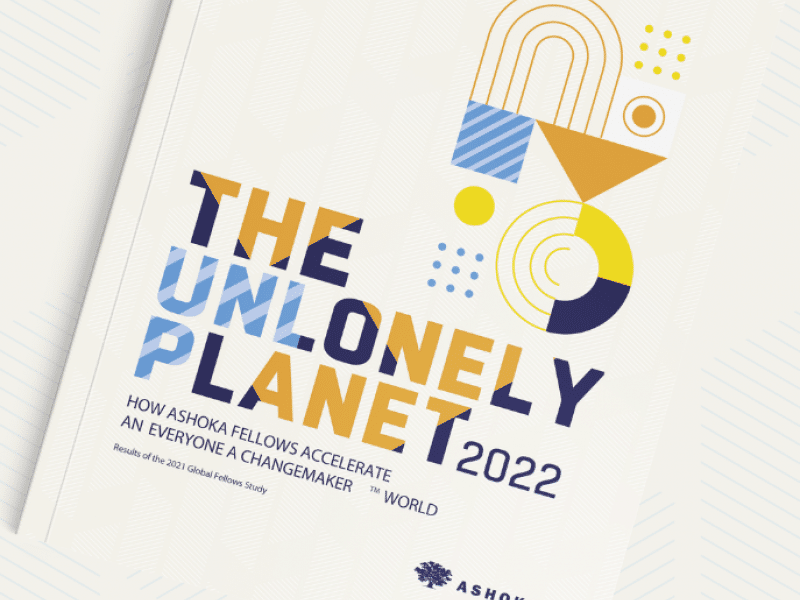
The scene: you have a large amount of connected text or content in one location on your page (potentially including impact numbers) but you really don't want your audience to get that tired screen-eye.
Enter: our 6 page sections to spice up your long text's style and all those that view them:
- Long Description with Sidebar
- Information Block with Background Image
- Impact Strip with Image Background
- Impact Strip | Legacy (no image background)
- Term List
- Accordion

You have a bunch of photos and videos, or better yet a video playlist on YouTube, and you're at a loss for how to put them onto a website in an immersive.
We've been there, and it was that experience that led to the origin of the following page sections:
- Full Width Image
- Photo Gallery
- Video Gallery
- YouTube playlist
Have a lot of people, events, institutions, or media files to list but are not at all into the idea of trying to format them using an open editing interface?
We got you covered with some visually appealing lists that are tailored towards each type of content you list:
- List: Fellows
- List: Staff
- List: People (Custom)
- List: CM School / Campus
- List: Partners
- List: Events
- Filtered List (automated)
- List: Resources
Related to lists, we have some listing page sections to help create visually appealing rows to your pages.
3 are tailored towards the specific type of website content you've already created, and 1 that you can customize towards your needs:
- Programs Listing
- Story Listing
- Collections Listing
- Customized Listing
Best of the Rest
Sometimes there are some page sections that can't be categorized. And it's because the following page sections are some of the most innovative and interactive that we have made in direct collaboration with Ashoka teams.
Without any way to introduce them as a unit, we hope you take advantage of the Best of the Rest:
- Timeline
- Testimonial slider
- Fellow Map
- Special Content Embed
- Chart